
What QR Code Systems Do
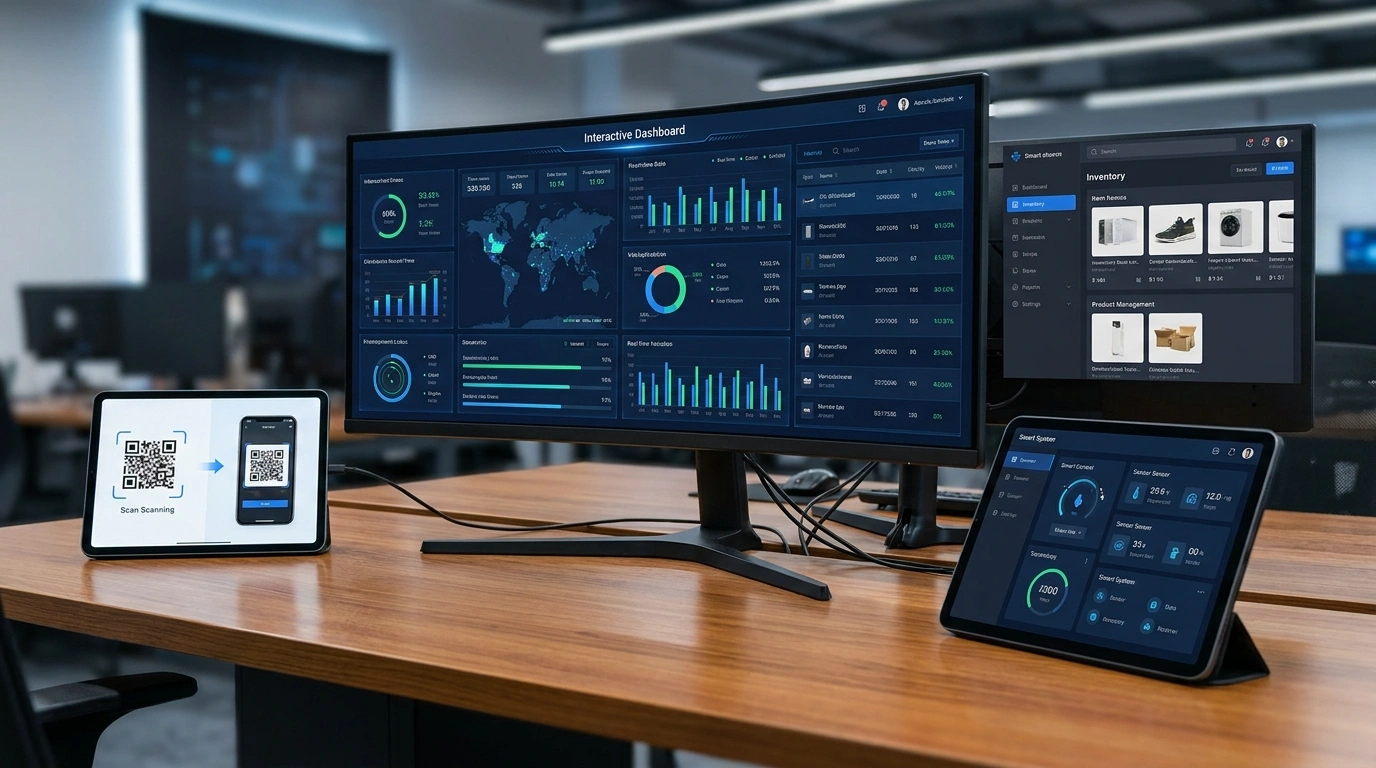
A QR code system creates unique codes and connects them to useful information or actions. A barcode system can support similar scanning workflows for inventory and products.
The system should be planned around what happens before and after the scan.
Common Business Use Cases
Businesses can use QR codes for product lookup, inventory labels, ticket verification, attendance, menus, certificates, asset tracking, or internal records.
The right use case depends on the data, users, devices, and reporting needs.
What a System Needs
A practical system needs code generation, storage, scanning workflow, label or display format, and a dashboard or result page.
If verification matters, the system should also define who can scan, what result appears, and how records are updated.
How to Avoid Confusion
Keep code labels simple, use clear scan results, and avoid collecting unnecessary information.
The best systems make the next action obvious for staff, customers, or administrators.
Frequently Asked Questions
Can QR codes be used for inventory?
Yes. QR codes or barcodes can connect items to inventory records, product details, or verification workflows.
Do QR code systems need a dashboard?
Many systems benefit from a dashboard for managing records, viewing scans, or updating item information.
Can QR code systems work with POS systems?
Yes. QR/barcode workflows can support POS, inventory, product lookup, and label systems depending on the project plan.
Need Help Applying What You’ve Learned?
ASFIT Solutions can help turn this topic into a practical plan for your business or brand.
Explore Website Project Guidance