

Edit Content
Keep business information current.
 WordPress Website Development
ASFIT Solutions creates professional WordPress websites for businesses that need a clear online presence, responsive pages, helpful contact paths, and a structure that is easy to update over time.
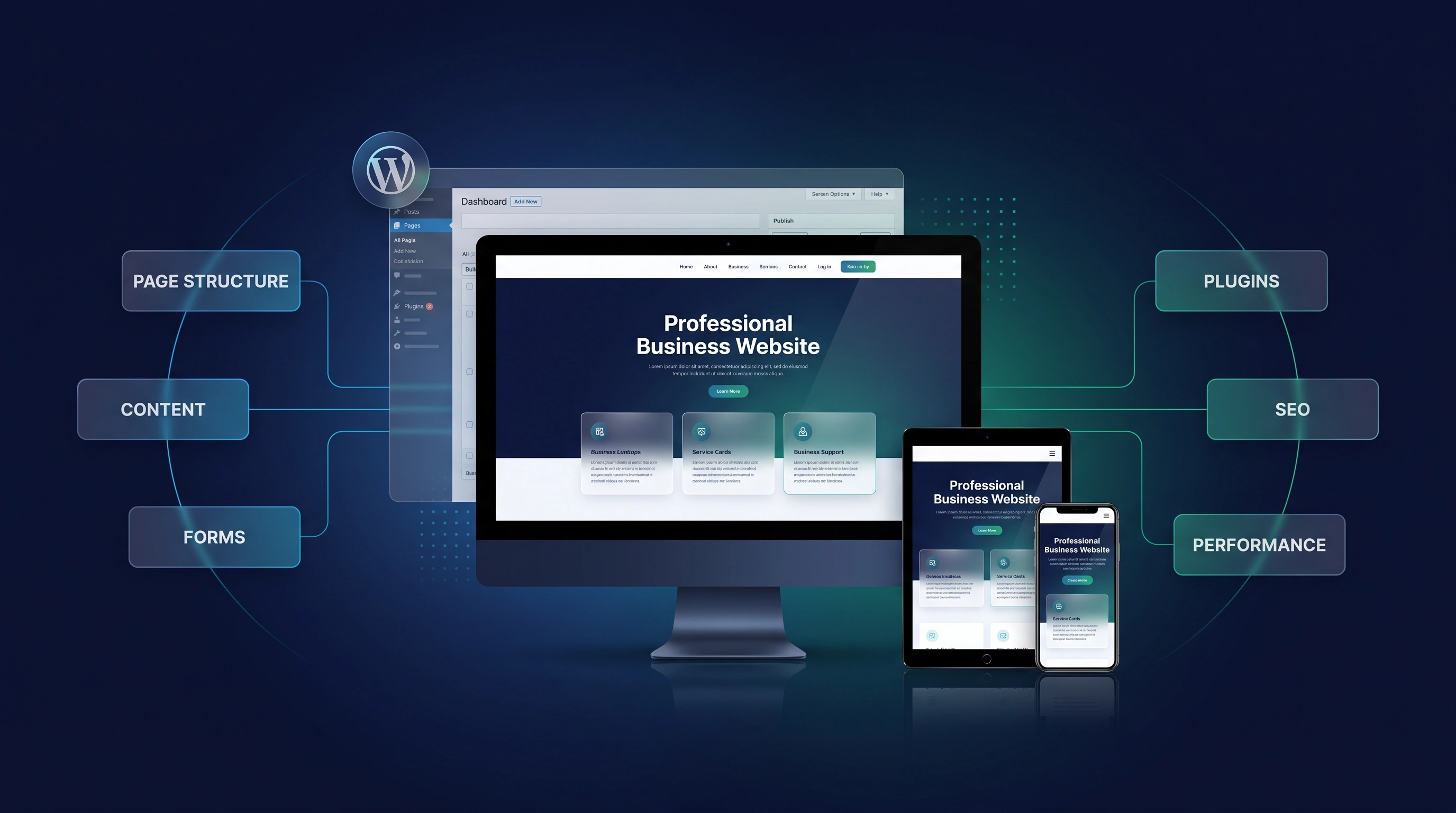
Direct Service Summary
When every small change needs technical help, important business information can stay outdated. A well-organized WordPress website gives routine text, image, and page updates a clearer place, while keeping the presentation consistent for customers.
Starting fresh or improving an older site? ASFIT reviews your services, useful existing content, editing needs, and visitor paths, then plans the agreed website around what your team and customers need to do.
Keep business information current.
Organize services and core pages.
Share articles, guides, and updates.
Manage images alongside content.
Who It Helps
Whether you need easier updates, a clearer redesign, or your first business website, start with the work your website needs to do.
Your services or business details keep changing, but updating the website takes too much effort.
Visitors need to understand your services and find the right inquiry path without searching through unclear pages.
Your team wants to publish articles, guides, and news without rebuilding a page for each update.
The theme feels limiting or pages look inconsistent. You want a clearer setup while retaining useful existing content.
Customers browse on their phones, so your services, contact details, and forms need to remain easy to use.
You need a professional WordPress website from scratch, with a practical way to add content as the business develops.
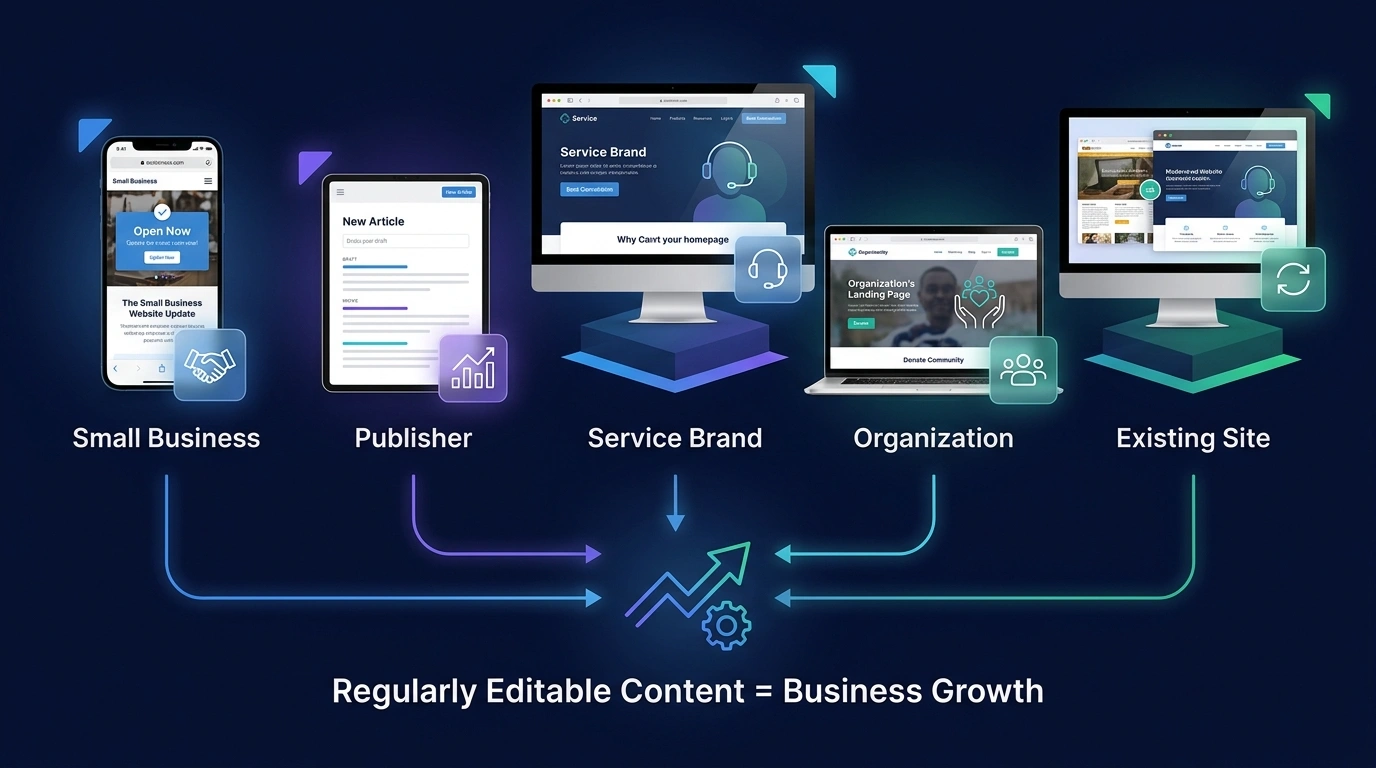
Common WordPress Challenges
Small editing frustrations can leave information outdated; confusing pages can leave customers unsure what to do next. We review both sides of the experience before recommending changes.
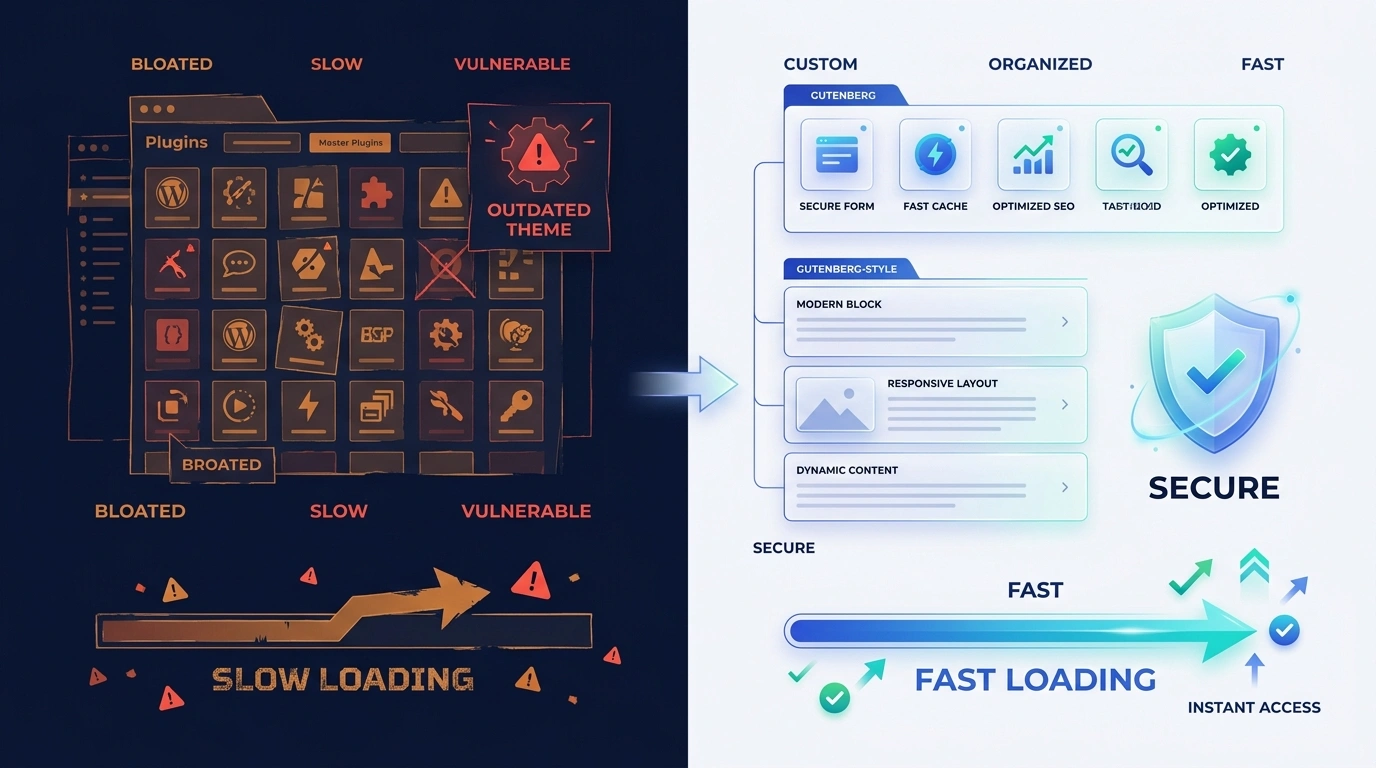
Your Team & Your Visitors
A WordPress website should not make everyday business updates difficult. A cleaner website and content-management structure can improve the experience for both your team and your visitors.
Before
Website ContentScatteredMenu → More pages → Contact?
After / Structured ASFIT Approach
Website ContentOrganizedService → Details → Contact
From Website Changes to Business Value
More current business information
Less friction for visitors
More comfortable browsing
An offer that is easier to understand
Better search-discovery readiness
More opportunities for inquiries
Performance, mobile usability, clear content, and well-organized page signals support search readiness. When people can find, understand, and comfortably use your website, it has more opportunity to support inquiries and sales.
What Is Included
Each part of the agreed WordPress build supports a practical task: keeping content current, helping visitors find answers, or making the next action clear.
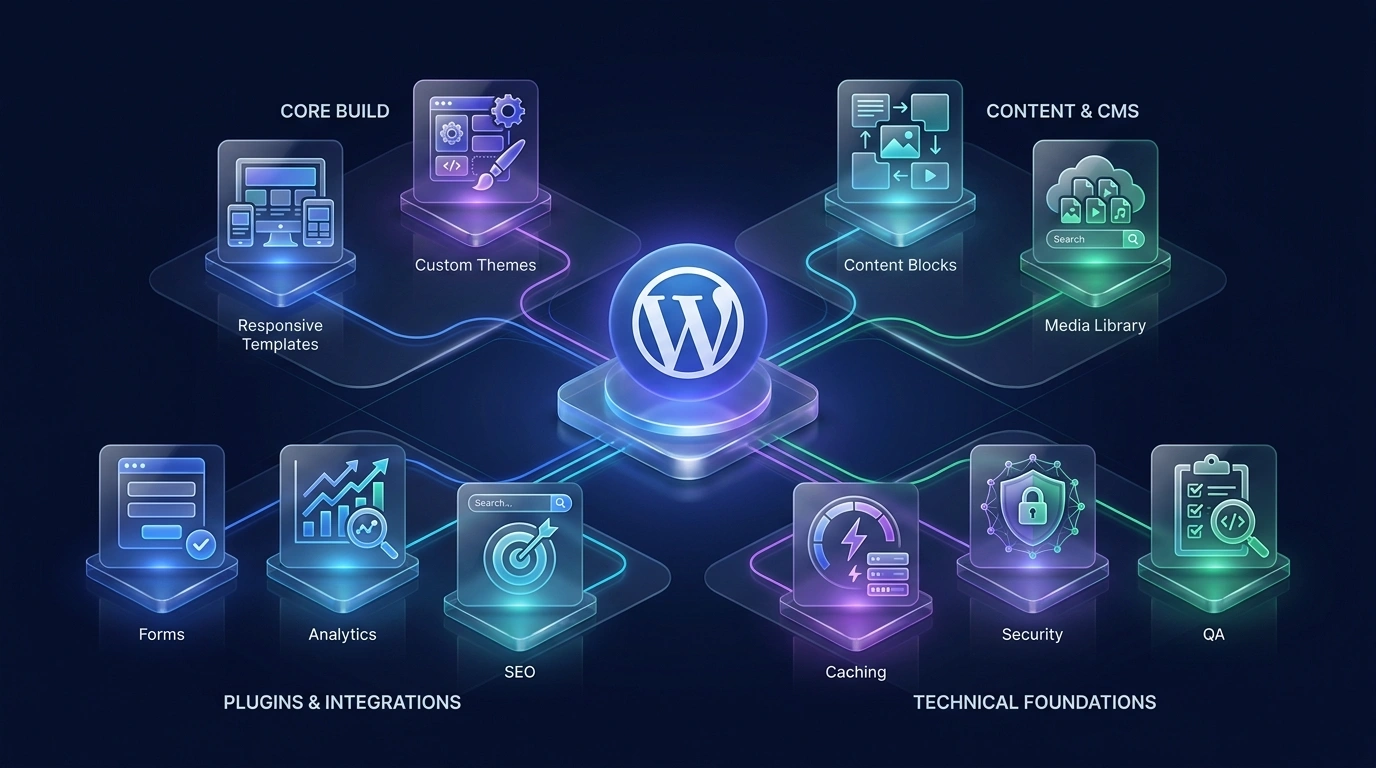
Organize core pages, menus, and contact paths so visitors can find the right information.
Keep important content and actions usable on desktop, tablet, and mobile screens.
Explain what you offer and why it matters, using consistent sections your team can build on.
Publish business updates, guides, or articles in an organized area alongside your main pages.
Understand where to change text, images, and page content, and when to ask for technical help.
Give interested visitors a direct way to ask a question or send an inquiry.
Only suitable functionality should be added, avoiding unnecessary complexity where possible.
Clarify page topics with headings, metadata direction, and internal links that support search understanding.
Check key pages, navigation, and inquiry actions on smaller screens before customers use them.
Review core pages, links, forms, and visitor paths before the agreed website is published.
Content Management Workflow
Know where to edit, preview the change, and publish the information customers need. The agreed content structure keeps those steps understandable.
Your team prepares the text, images, and updates your visitors need.
Use the website administration area to manage pages, posts, and media.
Place updates within the agreed page layouts and content structure.
Review and publish the changes for visitors to read on the website.
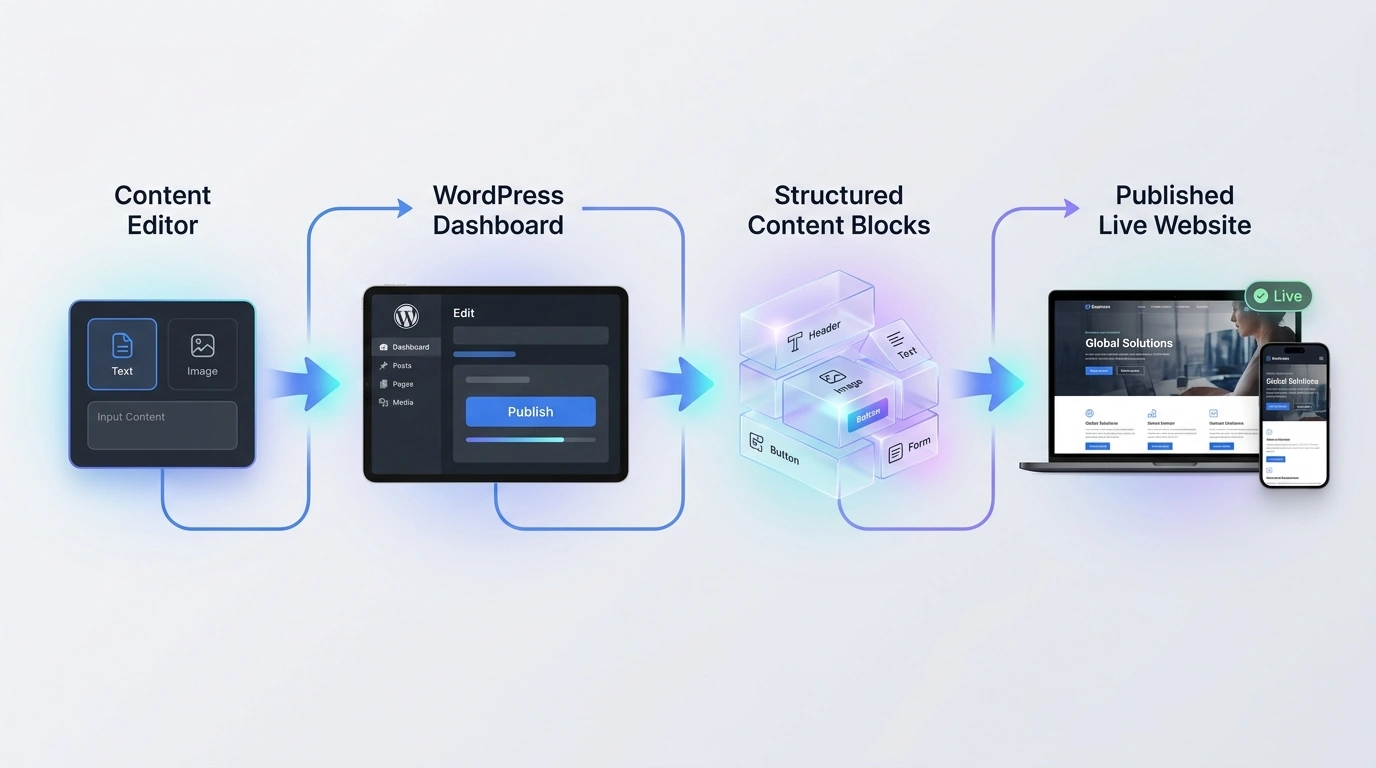
Content With a Clear Purpose
A new service description, a recent image, or an updated contact detail should have an understandable place on the page.
Your WordPress editing workflow is planned around your own pages, reusable sections, and practical update needs.
WordPress Project Process
First we understand the need, then agree the structure, build the pages, and review the important details before launch.
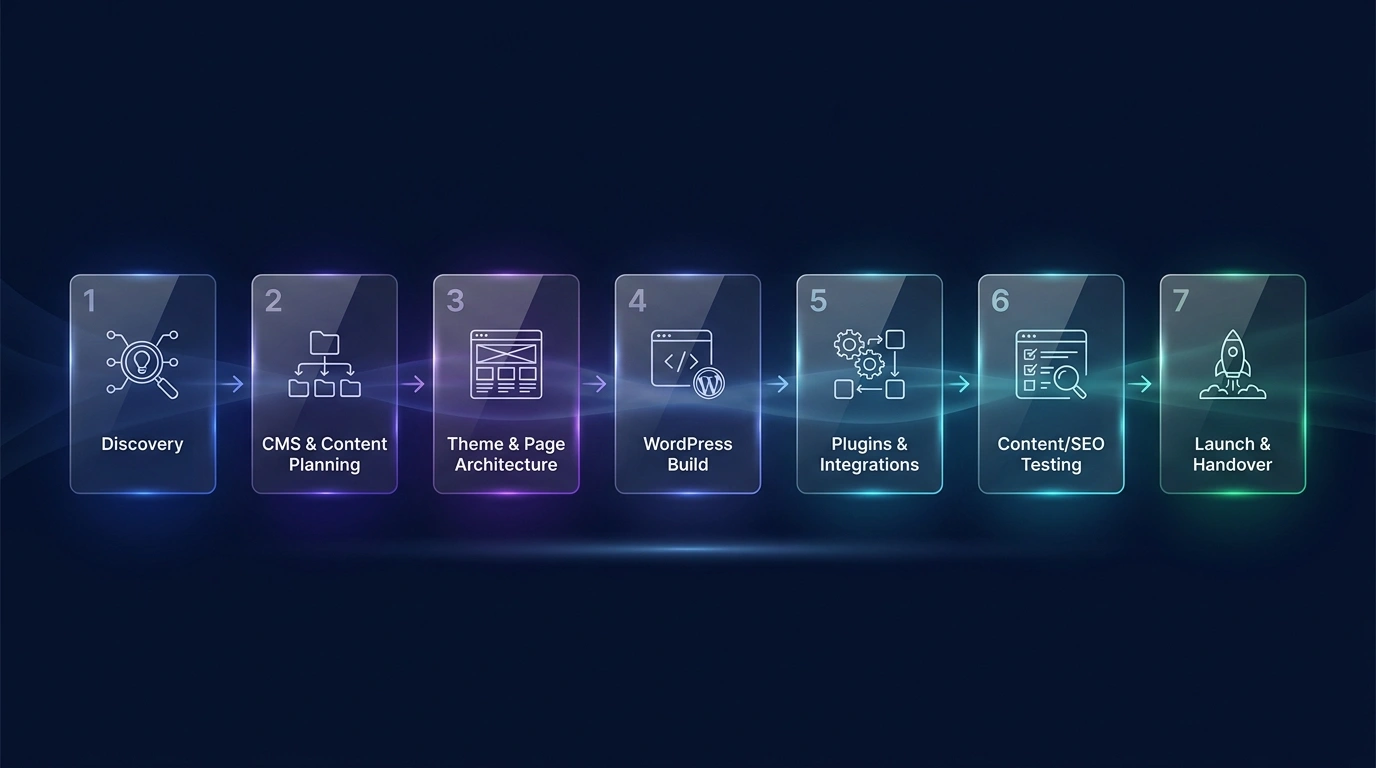
Tell us what is difficult about your current website or what you want to build. We review your business, audience, and priorities.
Agree which pages you need, what content to retain, and which everyday updates your team wants to manage.
Plan consistent layouts, service information, and contact paths before building the agreed pages.
Build your agreed pages and editable content areas, reviewing the presentation across key screen sizes.
Configure the agreed contact functionality and suitable plugins without unnecessary complexity.
Review page content, headings, internal links, forms, and key screen sizes.
Complete the launch review and provide direction for future text, image, and page updates.
WordPress Improvement Model
Compare the areas a cleaner WordPress build is designed to improve for your team and your visitors.
Relative levels on a 0-100 improvement-model scale.
01 / Before Improvement
02 / After Improvement
The practical aim: less effort to keep your website current, and clearer paths for customers to explore your services and get in touch.
Technical & Content Foundations
Easier editing needs a sensible foundation behind it. These choices help keep content, mobile layouts, useful functionality, and future care connected.

Theme structure & responsive page layouts
Pages, posts & organized media
Contact forms & suitable plugins
SEO, images & maintenance planning
Content areas are arranged so future updates have an understandable place.
Only suitable functionality should be added, avoiding unnecessary complexity where possible.
Pages, forms, navigation, and content blocks are reviewed across key screen sizes.
Page hierarchy, metadata direction, internal links, and useful content support search readiness.
Images use suitable dimensions, alternative text, and loading behavior for their placement.
The website is planned with sensible update, access, and maintenance practices.
Beyond Launch
Need help with a change after launch? Support can cover agreed content updates, form and link checks, mobile layout reviews, and WordPress update guidance.
Maintenance is a separate, optional service. The right scope depends on how your website changes and the help your team needs.
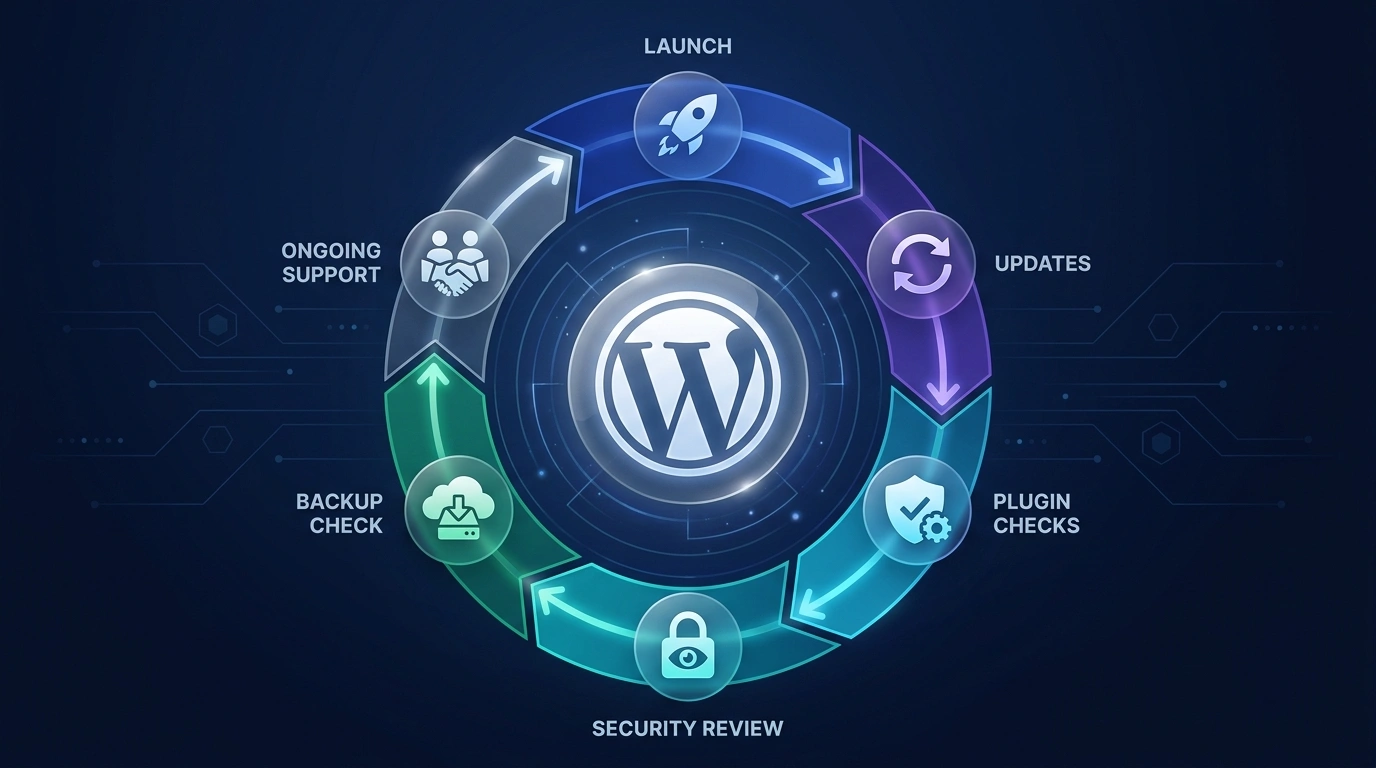
Plan and build your agreed website.
Review the website and future content updates.
Arrange practical care when you need it.
Related Main Services
Need a store, a focused campaign page, broader SEO work, or help maintaining the website? Connect the WordPress project to the right additional scope.
Questions & Answers
What you can edit, how an existing site is reviewed, and what to expect before and after launch.
It means planning and building a website with WordPress as the system for managing pages, posts, images, and content. The agreed scope can include business pages, responsive layouts, contact forms, blog structure, and SEO foundations.
Routine updates can be handled through the agreed editable content areas in WordPress. ASFIT provides content update guidance. Changes to layouts, themes, plugins, or functionality may still need technical help.
Yes. We first review the existing website, useful content, theme, and required changes. That review helps decide what to retain, reorganize, or rebuild, including websites originally built by another developer.
We can review theme structure, plugins, images, and page layout to identify practical improvements. The scope depends on the current setup and platform conditions; a particular speed score is not promised.
Responsive layouts and a mobile review are part of the website scope. We check important pages, navigation, forms, and contact actions across key screen sizes.
Yes. WordPress can support articles, guides, and business updates alongside your main pages. We plan page relationships and reusable layouts around the content you expect to add; new features or layouts may need additional work.
We review the functionality you need and configure suitable plugins or contact features within the agreed scope. Plugin suitability, compatibility, licenses, and any external service requirements need to be considered before implementation.
Website Maintenance & Support is available as a separate, optional service. It can cover agreed content updates, form and link checks, layout reviews, and WordPress update guidance. A recurring plan is not required to discuss a request.
WordPress can be useful when your team regularly publishes pages, articles, or business information. It is not the right choice for every project. We review your content needs, functionality, and update responsibilities before recommending a direction.
WordPress development includes SEO-conscious page structure, headings, metadata direction, and internal links. Broader SEO Services can be scoped separately. These foundations support search readiness rather than guarantee rankings or traffic.
Use Start Your WordPress Project to share your current website, what is difficult to manage, or what you want to build. Include the pages and functionality you need, reference links, budget range, and preferred timeline. You can also book a meeting to discuss the requirements.
Start Your WordPress Project
Tell ASFIT Solutions what is difficult about your current website or what you want to build. We'll review the requirements and suggest a practical WordPress direction.


