

Store Structure
Help shoppers find the right product through clear collections and intuitive navigation.
Shopify E-Commerce Development
Hard-to-find products, unclear buying information, and awkward mobile shopping can interrupt a customer's next step. ASFIT Solutions helps organize your Shopify store, refine product presentation, and make the journey from browsing to checkout easier to use.
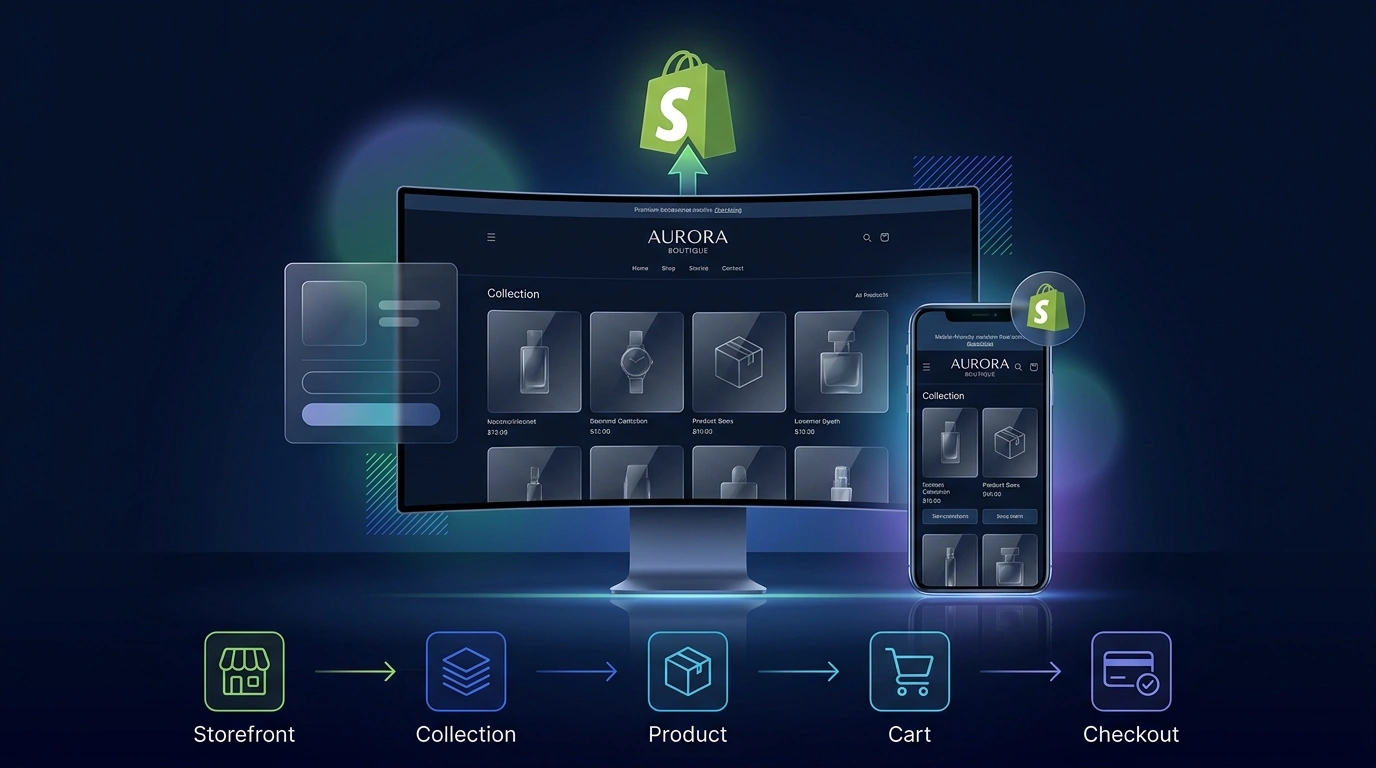
Direct Service Summary
A store can work technically and still leave shoppers unsure. If collections are confusing or product details are buried, interested visitors may stop before finding what they need.
We review where that journey becomes difficult, then plan the agreed improvements to navigation, product pages, mobile layouts, and contact paths. Clear information and fewer obstacles give shoppers a better opportunity to continue toward checkout.
Help shoppers find the right product through clear collections and intuitive navigation.
Bring images, specifications, buying options, and trust cues together naturally.
Make browsing, option selectors, and product choices comfortable on touchscreens.
Connect product selection directly with a clear, reliable next purchase step.
Who It Helps
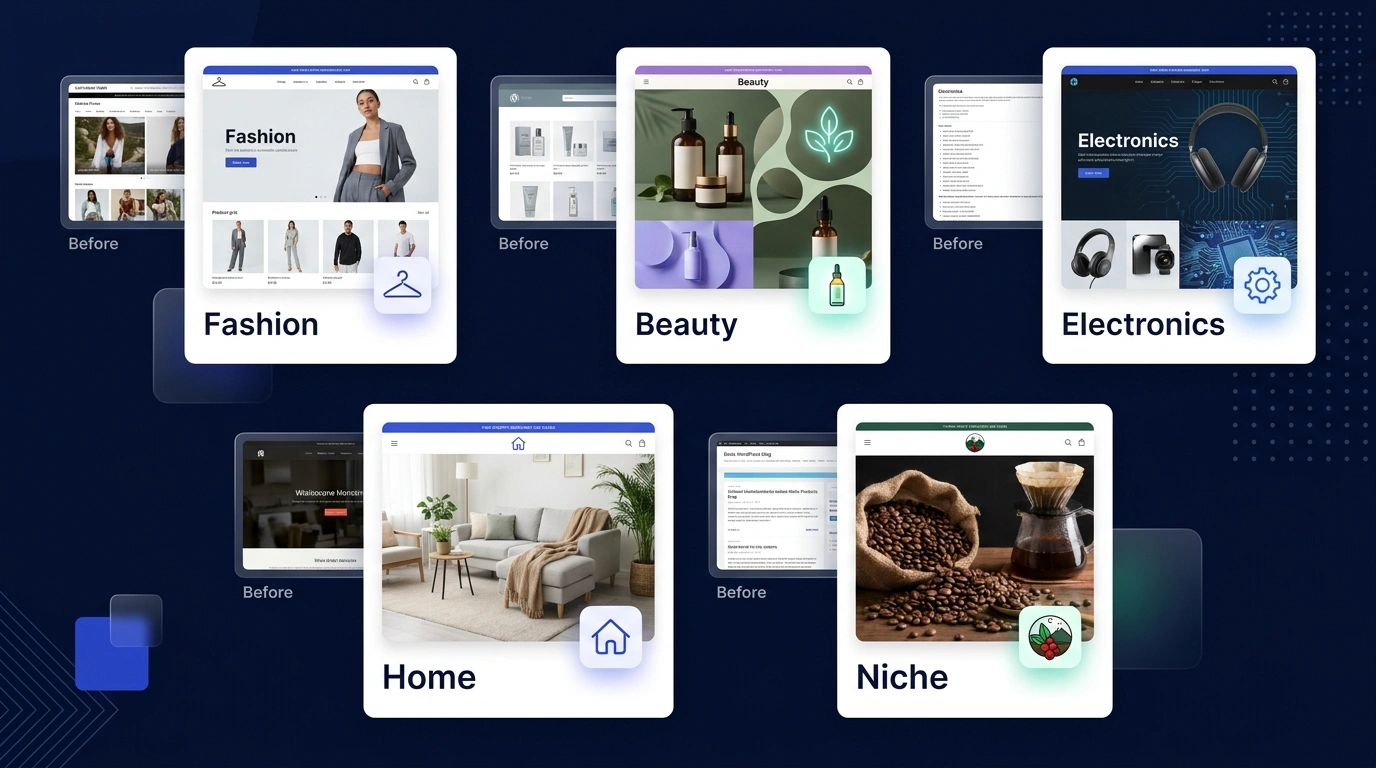
Whether you are launching a product range online or improving an established store that has become difficult to manage, the starting point is what your customers and team need.
A generic storefront can make distinctive products hard to appreciate. We bring product images, useful specifications, and your brand story into a consistent, elevated presentation.
Selling directly means answering buying questions in the store itself. Product information, delivery and returns policies, and contact paths can be connected before shoppers reach checkout.
Clear categories and mobile-friendly product details help customers explore a growing range independently and find the products that fit their needs.
Interest from a social post needs a useful next step. Relevant product pages can give visitors a clear route to options, supporting details, and the cart.
When a theme feels limiting or collections and apps become difficult to manage, improvements can focus on the agreed parts of the existing Shopify store.
E-Commerce Challenges
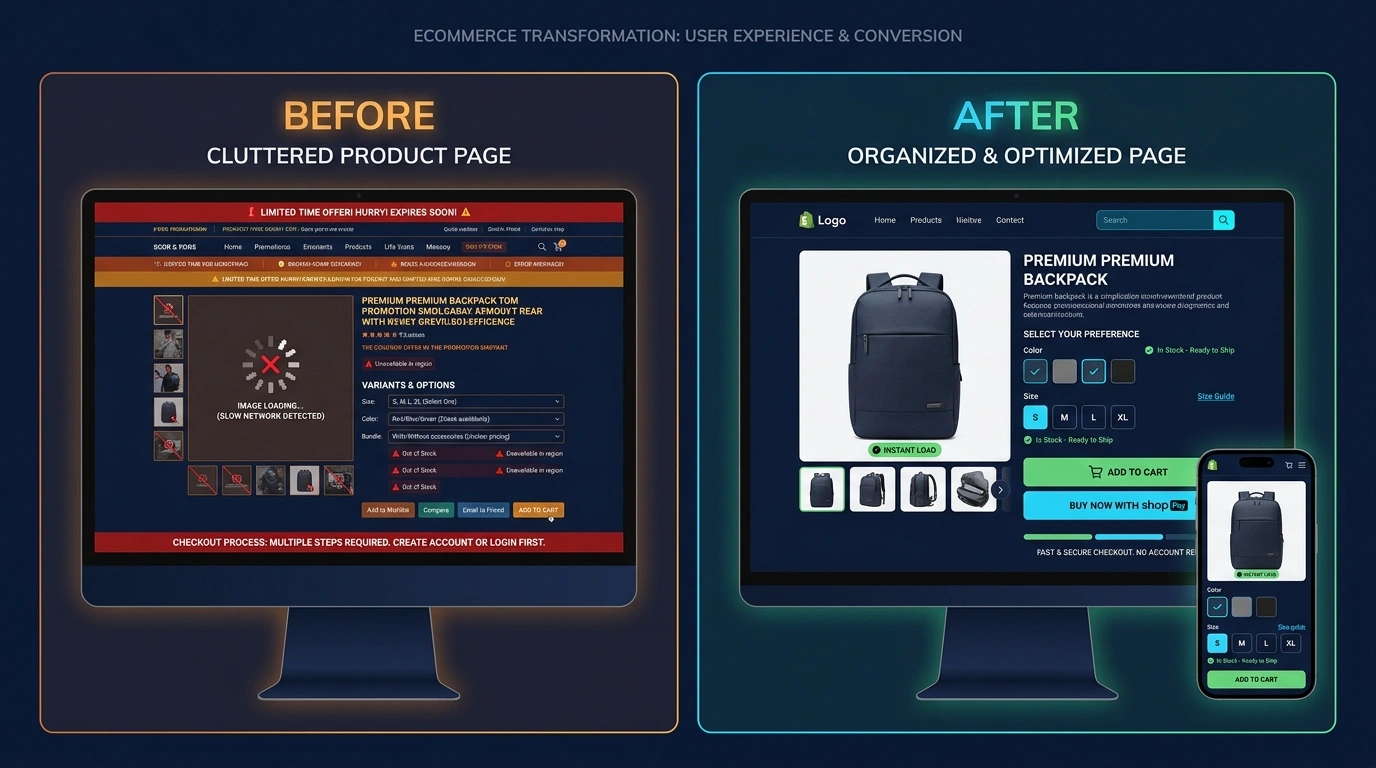
Every confusing step is another opportunity for a shopper to stop. Focus improvements on the obstacles that are actually present in your store.
Customer Experience
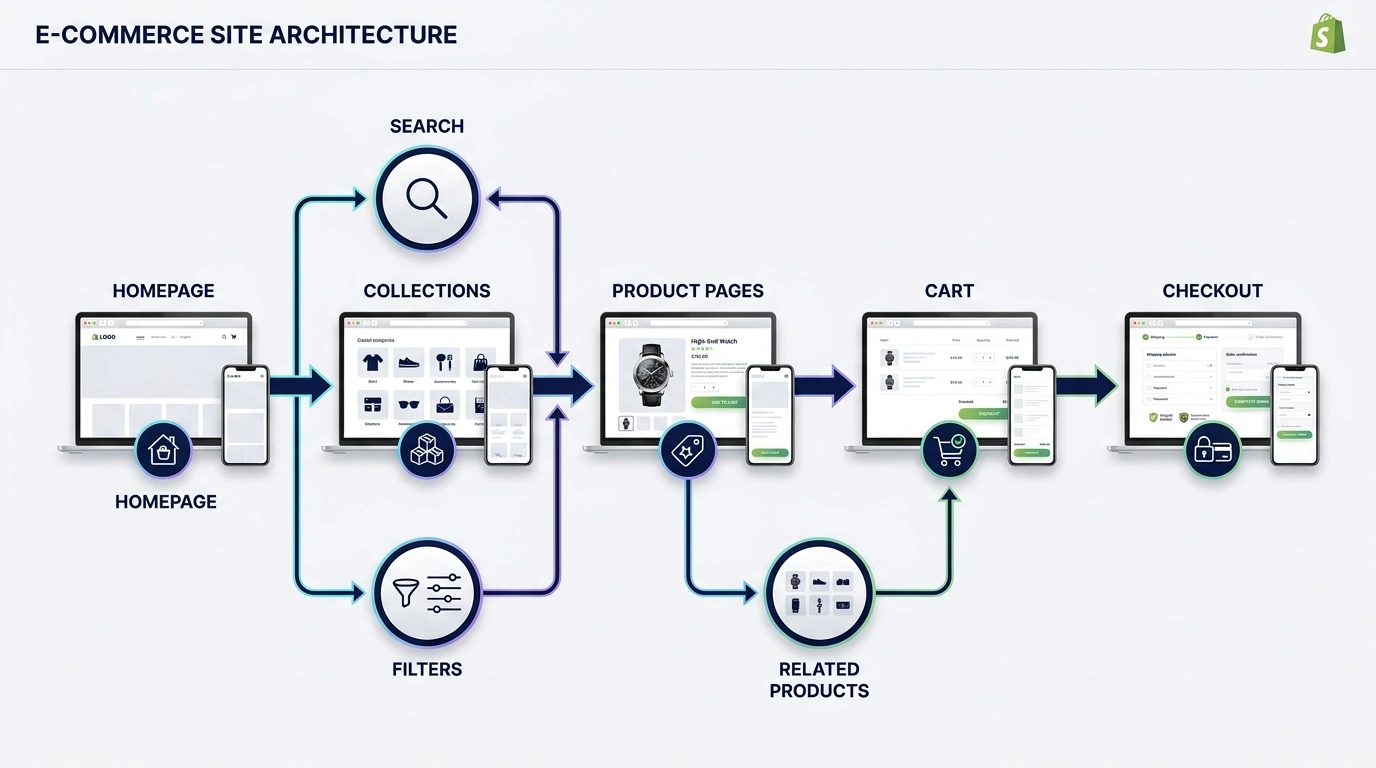
Find the store, browse relevant products, understand specifications, choose options, and review the cart. Each step should make the next one natural.
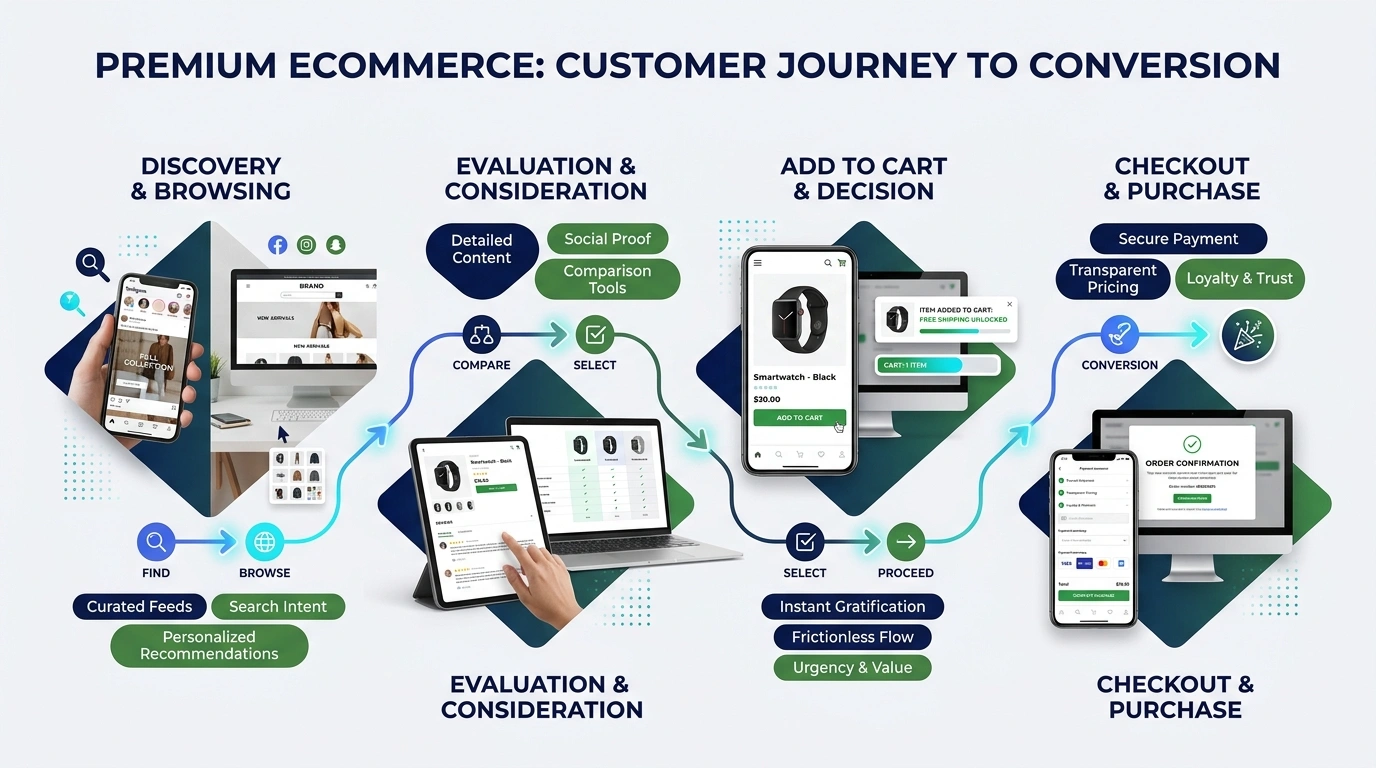
Shoppers arrive through navigation, search, or a shared product link and begin exploring the range.
Clear imagery, product details, and relevant options help visitors compare what fits.
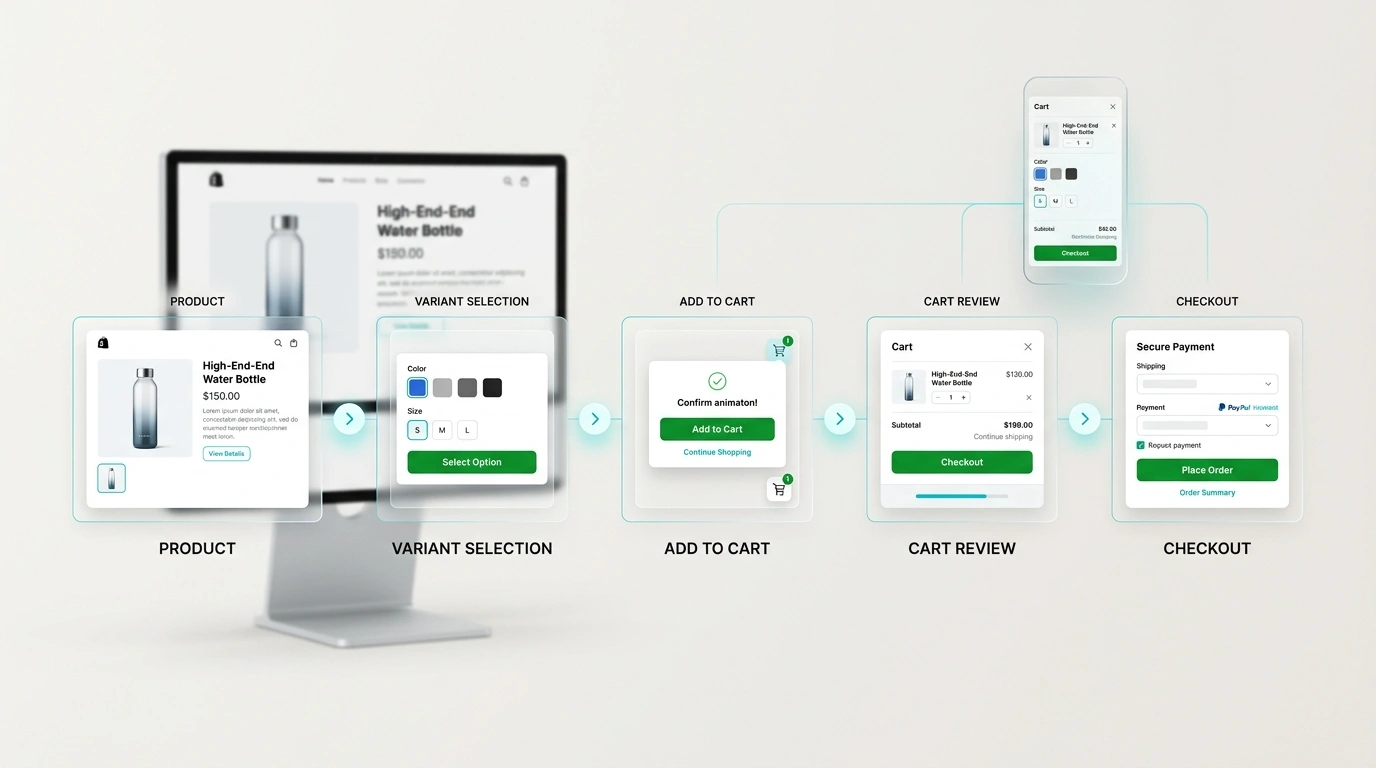
Visible variants, delivery context, and quantity controls help shoppers review a selection.
The customer continues through the payment and delivery options available in the agreed Shopify setup.
Shopping Path
A clear product page helps shoppers understand available variants, add an item, review the cart, and continue to the checkout options in the store.
Mobile Commerce
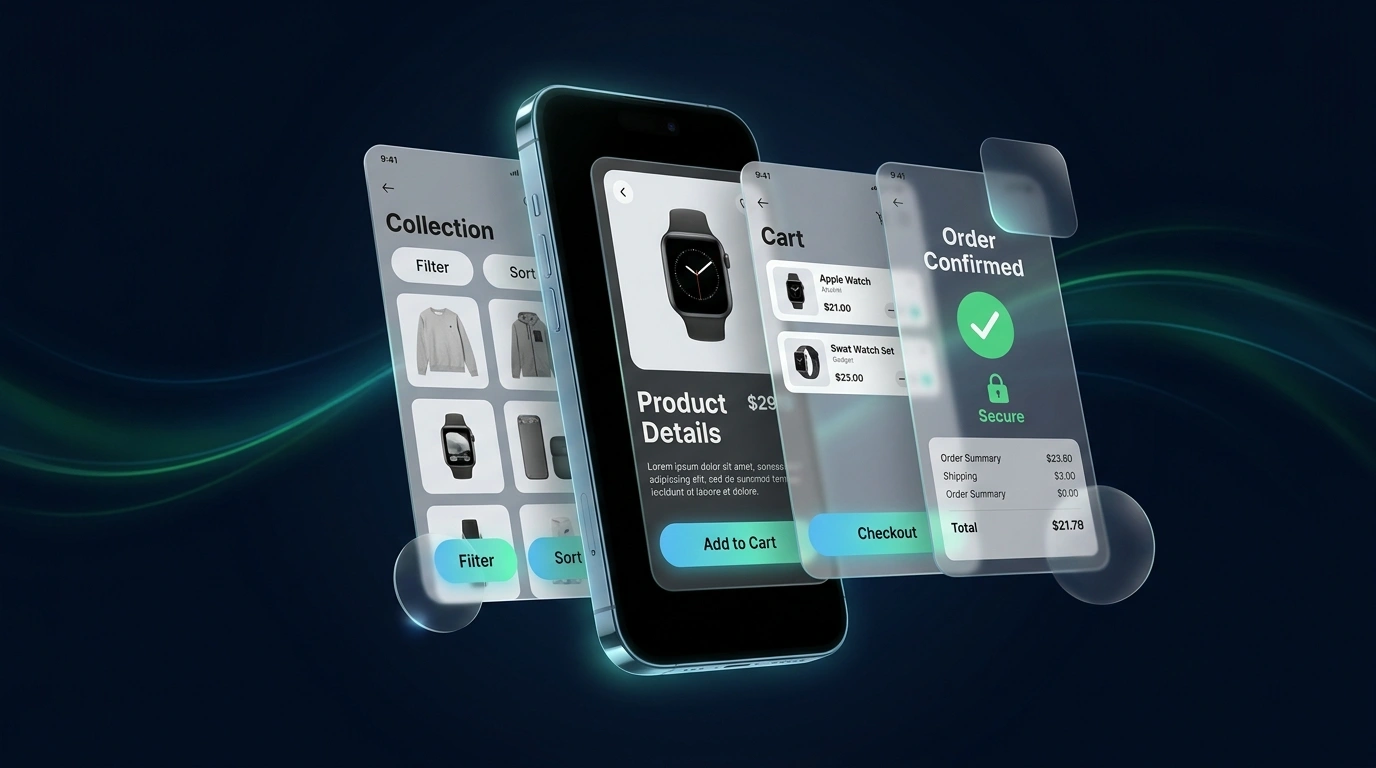
Many shoppers browse and purchase from mobile devices, so the store experience should remain clear, responsive, and easy to use on smaller screens.
Keep important product and cart controls easy to reach as shoppers move through the store.
Make collection filters, product options, and buying details understandable without crowding the screen.
Deliverables
Choose the work around your store needs: clearer products, easier browsing, useful functionality, and rigorous pre-launch checks. We clarify practical scope before building.
Merchant Management
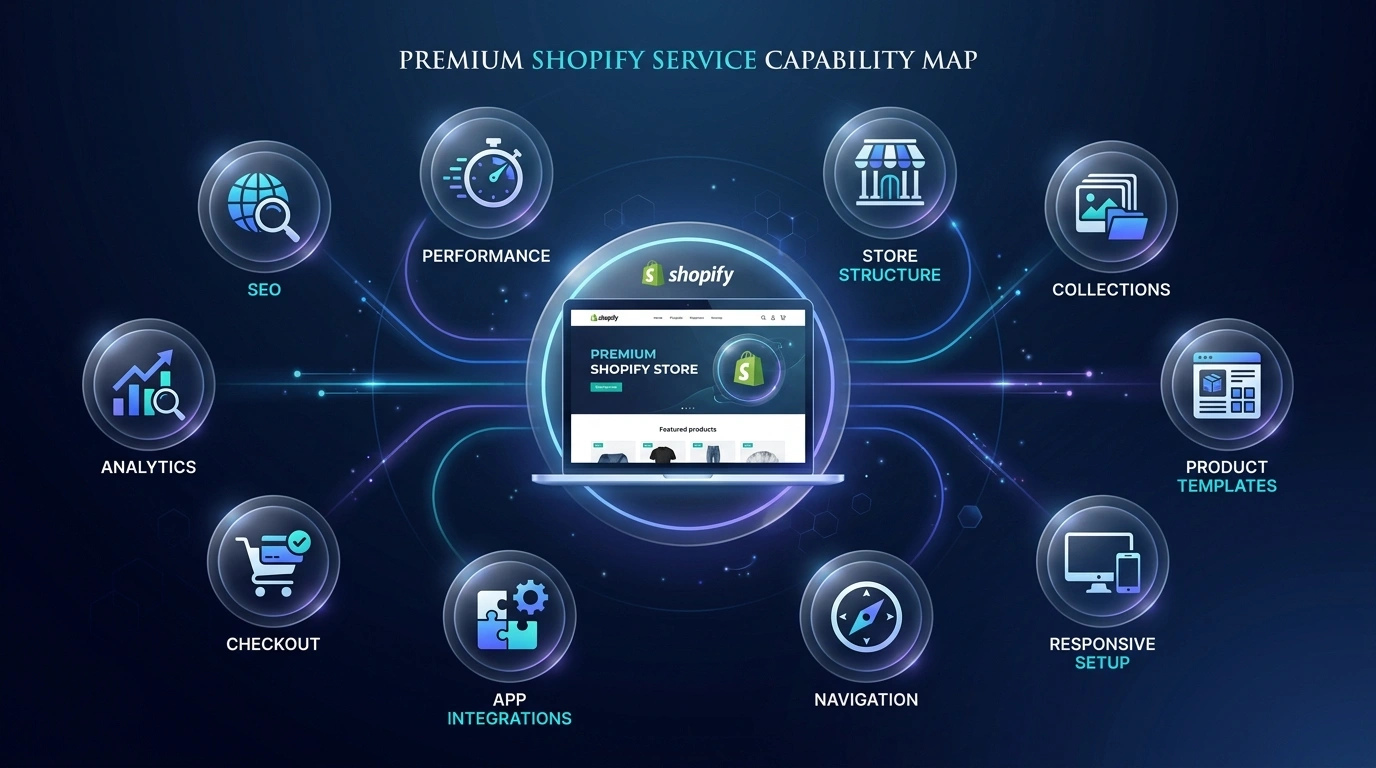
New products and seasonal changes should not leave store information out of date. Shopify Admin provides the workspace for day-to-day operations; we organize the agreed areas and explain their routine use.
Curate inventory, launch promotional offers, review customer inquiries, and guide traffic through marketing channels.
Manage catalog information, product variants, orders, content, and the agreed storefront settings from the Shopify workspace.
Give shoppers responsive product browsing, clearer collections, readable variants, and a direct path toward the cart.
Project Journey
First we understand what needs to change. Then we plan and build the agreed store experience, review the important shopping paths, and prepare you to manage it after launch.
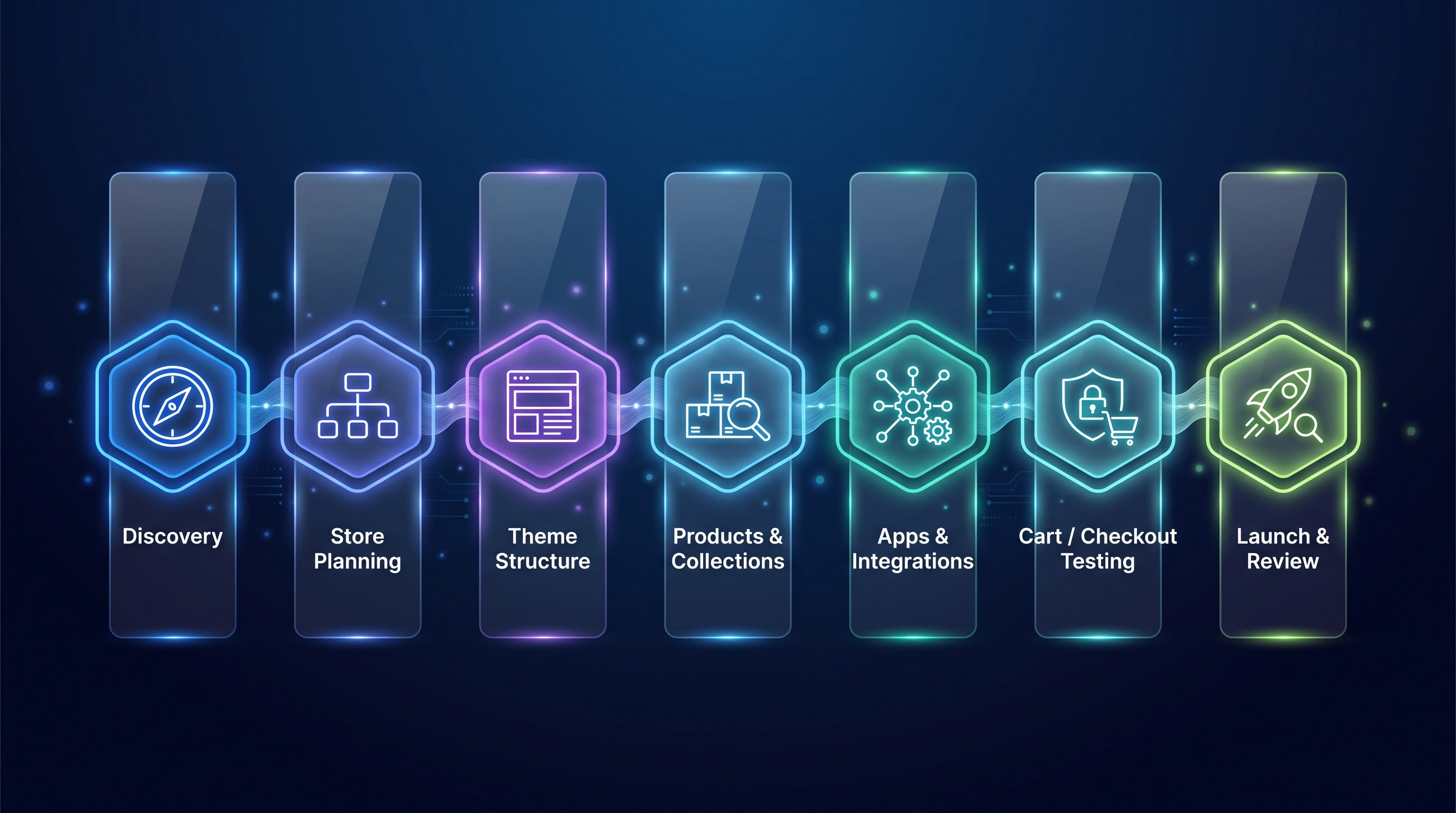
Review products, target audience, brand direction, and obstacles in the current shopping setup.
Clarify required pages, product groups, navigation, content needs, and practical deliverables.
Configure brand styling, responsive typography, header navigation, and reusable theme sections.
Organize supplied descriptions, variant options, product media, and agreed collection rules.
Review and connect suitable apps within the agreed scope without unnecessary complexity.
Review cart behavior, mobile layouts, policy links, forms, and the available checkout path.
Complete launch checks and explain how to manage the agreed products, collections, and content areas.
Storefront Foundations
The technical work supports a clear business goal: shoppers can find useful information, browse comfortably, and understand what action to take next.
Keep important product details and actions usable across smaller screens with adaptive touch controls.
Use clear headings, canonical URLs, image alt text, and descriptive collection links where appropriate.
Prepare store images at suitable dimensions and formats to avoid unnecessary page weight.
Select useful Shopify apps carefully and review the complexity they introduce.
Help shoppers verify selected variants, quantities, policy access, and the available checkout step.
Keep Liquid sections and theme settings organized so agreed storefront updates remain manageable.
Related Services
Explore complementary ASFIT services that can support a broader digital and commercial presence.
Questions & Answers
The agreed scope can include homepage design, product and collection pages, navigation, mobile layouts, suitable apps, policy sections, basic SEO structure, and pre-launch checks. We review your products and requirements before deciding what to build or improve.
Yes. We can review the existing theme, pages, collections, and shopping journey, then agree which areas need improvement. You do not need to assume that every part of the store must be replaced.
We can review mobile navigation, product images, readable details, option selectors, and cart controls. The agreed changes are checked across screen sizes so the important shopping actions remain usable.
Yes. We can help plan product groups, collection pages, navigation, and relevant product relationships around how customers browse your range. Product setup is based on the supplied information and agreed scope.
We can review theme structure, product media, storefront assets, and app overhead to identify practical improvements. What can be changed depends on the existing setup; no specific score or loading time is promised.
Yes. We review the functionality your store needs and which apps support it. Any removal, replacement, or new integration should account for existing dependencies, compatibility, costs, and the agreed requirements.
We can organize product images, descriptions, prices, options, delivery information, and purchase actions into a clearer layout. The available customization depends on your theme, apps, and agreed scope.
We can review cart access, item details, quantity controls, policy links, and the path toward checkout. Checkout changes depend on the options available in your Shopify setup and are reviewed before being included in scope.
Yes. Basic foundations can include page titles, collection headings, product content, image alt text guidance, and internal links. These help search engines understand the store; rankings, traffic, and sales are not guaranteed.
Shopify Admin lets you manage products, collections, and store content. We explain the agreed management workflow at handover. More involved layout, theme, or integration changes may still need technical help.
Optional support can cover content changes, layout adjustments, navigation, or shopping-path issues. It is a separate scope based on the work needed, not an automatic ongoing commitment.
Send your store link if available, product range, and the main problems or goals through Start Your Shopify Project. We review page needs, product setup, theme changes, content, apps, and checks before recommending the practical scope and next step.
No official affiliation is claimed. ASFIT Solutions provides independent Shopify store design services for businesses that use the Shopify platform.
Start Your Shopify Project
Tell ASFIT Solutions what is getting in the way: store design, product organization, mobile usability, page weight, apps, or customer flow. We will review your requirements and suggest a practical Shopify direction.


