

What Custom Tools Are
A custom tool is a small digital system built around a specific task. It can be a calculator, dashboard, form workflow, admin utility, or automation helper.
The goal is not to build unnecessary software. The goal is to make a repeated business process easier to manage.
Business Problems They Solve
Custom tools can reduce manual data entry, organize requests, produce cleaner reports, and help teams avoid scattered spreadsheets.
They are especially useful when existing apps feel too heavy or do not match the exact workflow.
Examples of Useful Tools
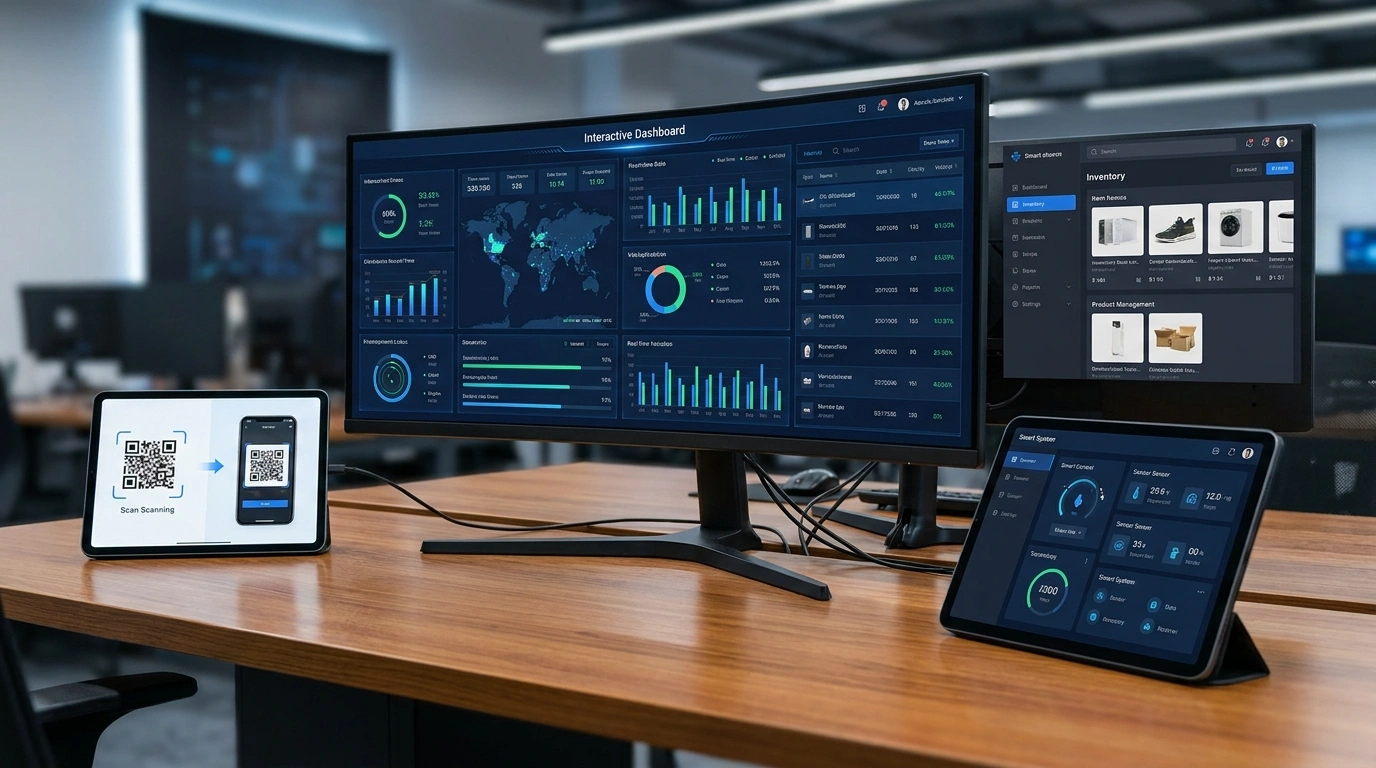
Examples include quote calculators, booking request systems, order dashboards, lead qualification forms, internal admin panels, and simple reporting views.
The best tool is usually focused, easy to use, and designed around the person who will use it daily.
How to Plan a First Version
Start with the main task, required inputs, expected output, user roles, and any reports or exports needed.
A first version should solve the core problem clearly before adding advanced features.
Frequently Asked Questions
Does every business need custom software?
No. A custom tool is useful when repeated work needs a clearer, faster, or more organized workflow.
Can a custom tool start small?
Yes. Many useful tools begin as a focused first version with only the most important workflow.
Can custom tools connect with websites?
Yes. A tool can support forms, dashboards, lead workflows, calculators, or internal website utilities depending on the project scope.
Need Help Applying What You’ve Learned?
ASFIT Solutions can help turn this topic into a practical plan for your business or brand.
Explore Website Project Guidance